
Catch what's worth keeping.
Magpie is a Mac menu-bar studio: ask AI in any app, design and render on a canvas, keep notes that stay yours, transcribe without uploading. One hotkey away, wherever you're working.
Free while in beta · macOS · On-device first
AI tools are everywhere. Magpie puts one everywhere you are.
Ask · anywhere
Ask anything. In any app.
One hotkey summons a floating bar over whatever you're doing — Mail, Slack, your editor, a PDF. The window you're looking at becomes the context.
- Sees what you see. The frontmost window, your selection, your clipboard — each a removable chip.
- Answers as Markdown, with one-tap Sparks: Summarize, Key Points, Draft Reply, Translate…
- Insert types the answer straight back into the app you came from. esc and you're back to work.


Canvas
A design canvas that renders itself.
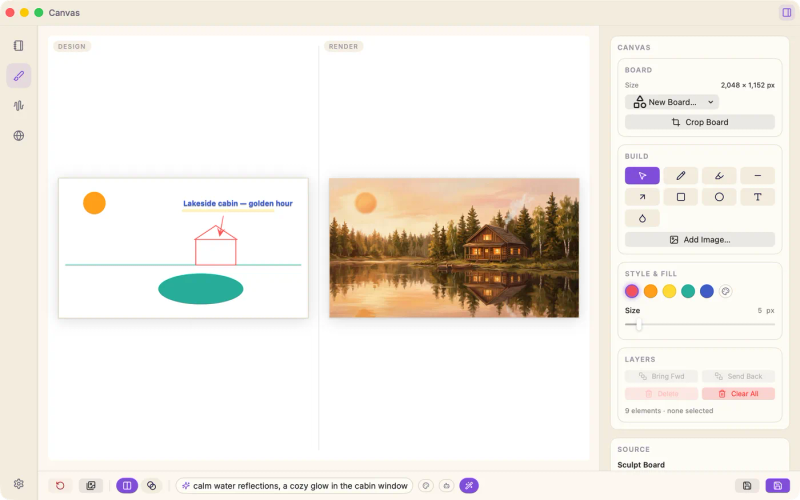
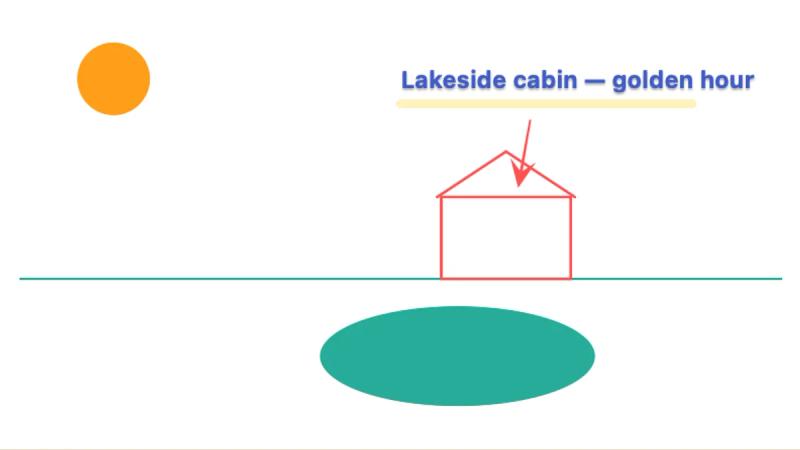
Sketch a concept board — shapes, text, arrows, images. Write a prompt. Magpie renders the whole composition through Euryka's image models.

 Design
Render
Design
Render
Your concept board — shapes, text, arrows.
Notes + AI Edit
Plain Markdown. Real AI assist.
Every note is a .md file in a folder you choose — no database, no lock-in. The editor previews as you type: tables, code, checklists.
- Quick Note catches a thought without stealing focus.
- AI Edit shows its work as a side-by-side diff — see every change before you accept.
- If Magpie disappeared tomorrow, you'd still have your folder of clean Markdown.


Transcribe
Audio in. Minutes out.
Drop in a recording; Whisper runs on your Mac — no upload, no usage cap. Then flip the transcript into a summary, action items, or meeting minutes, also on-device.

Everything else
And the whole utility belt.
The small tools you reach for ten times a day — done properly, in one place.
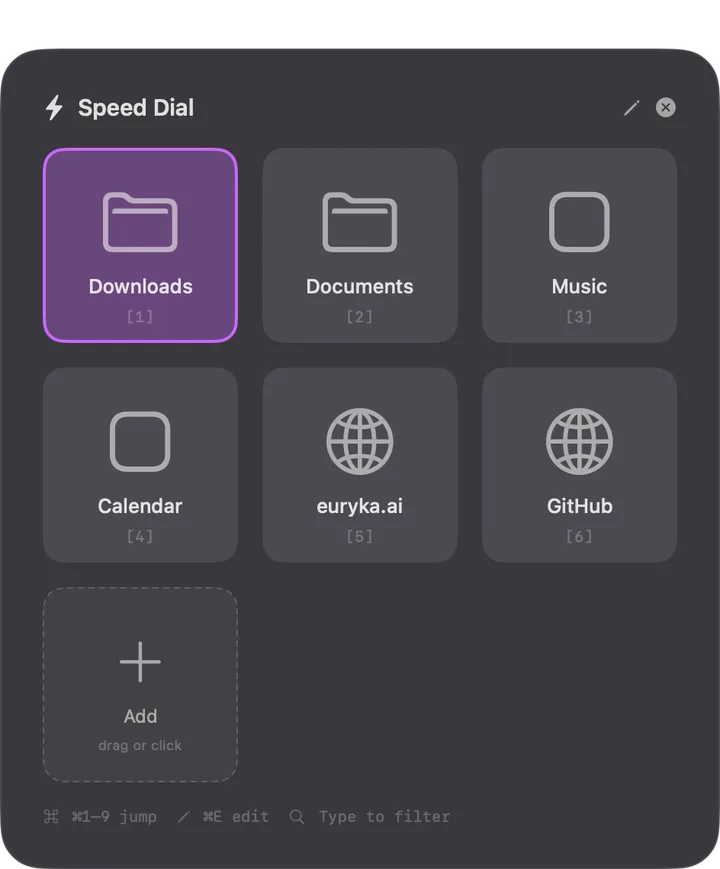
Speed Dial
Nine slots for folders, files, apps and URLs. Hotkey, ⌘1–9, gone.
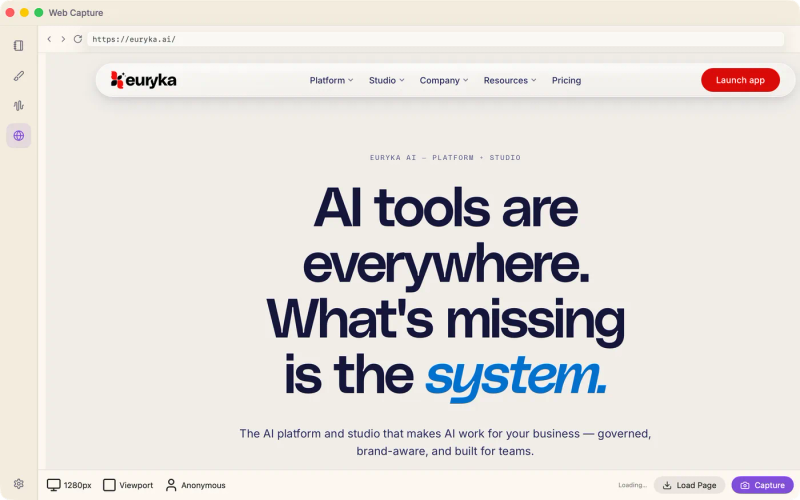
Web Capture
Full-page captures — including inner scrollers and behind sign-ins.
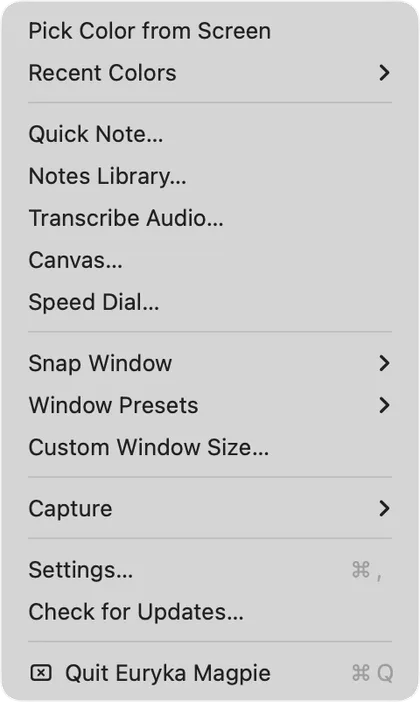
Menu-bar HQ
No Dock icon, no clutter. Every feature two clicks from the status bar.
Screenshots
Screen, window, region — or just the text inside a region, OCR'd to your clipboard.
Color Picker
Sample any pixel; the value lands on your clipboard in your format — hex to SwiftUI.
Window Snapping
Halves, quarters, exact custom sizes — each bindable to its own hotkey.
The promise
What stays on your Mac, stays on your Mac.
On-device by default
Transcription, summaries, minutes, notes edits, screenshot OCR — all local models. Your audio and text never leave the machine unless you ask.
Cloud only when you ask
Image renders and deep research route through Euryka Cloud — because they need capability a laptop can't serve. You always see which calls go where.
Early access
Become an early magpie.
We're inviting testers in waves while we polish the edges. Tell us where to send your invite.