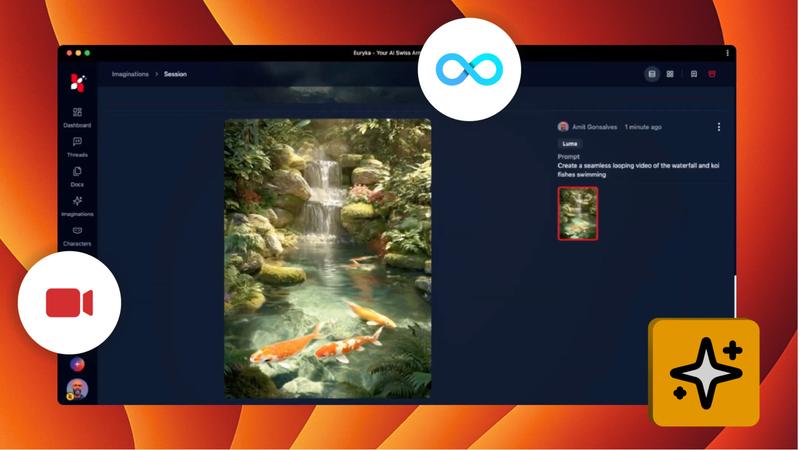
Create stunning AI videos with Kling. A powerful addition to Euryka's AI video models, Kling makes it easy to create high-quality, dynamic videos from a simple text description. It also includes the ability to instantly convert landscape videos into a portrait format, perfect for mobile-first content strategies.
Step-by-Step Guide
- Navigate to Video Creation: Access the video generation section within Imaginations.
- Describe Your Vision: Input a clear and descriptive prompt of the video you want to create.
- Select the Kling Model: Choose the
Kling Video Modelfrom the list of available options. - Generate Your Video: Let the AI process your prompt and create your high-quality video.
- Convert to Portrait (Optional): Easily change the video's format from landscape to portrait to suit different platforms.
Whether you're creating marketing content, social media videos, or personal projects, Kling ensures your vision is brought to life with stunning quality and perfect alignment.