We believe the biggest shift in this release is simple to say and hard to build. Auto now reads each message and sends it to the model that fits.
A quick question stays quick. A harder task gets more power. You no longer need to decide every time whether to use a lighter model for a draft or a stronger one for deeper thinking. Euryka does that part for you.
This is the practical answer to something we have been building toward for a while. In our previous release, we made the case that model loyalty is a bad bet. New models land constantly, prices change, and the best option today can be overtaken next month. Auto is what that idea looks like in real use.
Auto Does the Choosing
If you work in AI tools every day, you already know the problem. Choosing a model has become a task in itself. You start with a simple request, then pause to decide which model might do the best job, which one is cheapest, and whether you should take the risk on a premium option.
Auto removes that pause.
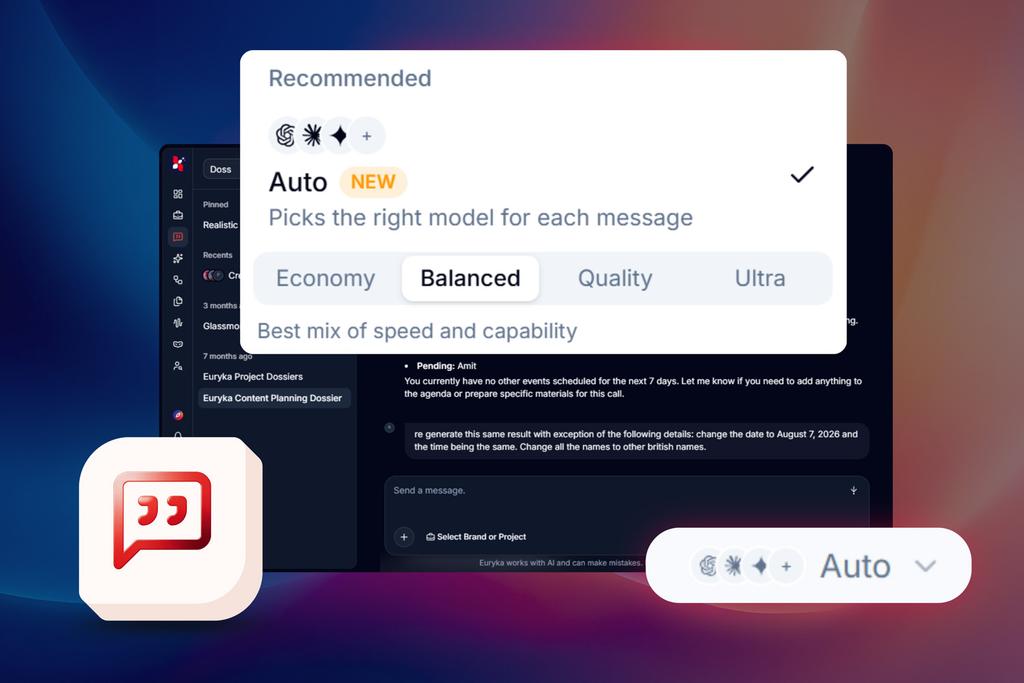
Select Auto in the Threads model selector and keep working. Euryka looks at the message, judges the level of complexity, and routes it to the model that fits. You describe what you need. The system handles the rest.
That does not just save time. It reduces the little decision fatigue that builds up across the day. It also means individuals within teams do not need to keep track of which model is best for which job. The routing sits inside Euryka, where it belongs.
Choose How Hard Auto Works
“Auto gives you control without making every costly model choice your problem.”—Dinesh, Co-Founder
You can set the ceiling once with Economy, Balanced, Quality or Ultra.
Economy favours lighter, faster models to keep credit use low
Balanced matches the model to the task and is the default
Quality leans towards stronger models
Ultra uses the most capable models on your plan
That choice stays in place for the session, so you set it once and keep moving. No constant toggling or second-guessing. Just a simple way to shape how Auto behaves.
Keep the Thread Steady
One thing that matters in AI conversations is consistency. If an LLM changes tone halfway through a thread, the experience breaks.
Auto avoids that. Once it selects a model within a tier for a conversation, it keeps using it, so the voice stays steady from message to message.
It also knows when to work harder. For more demanding requests, Auto can switch on extended reasoning so the model has more room to think through the problem properly. If a reply needs another pass, it can move up a tier to improve the result.
And if Auto cannot decide quickly, it does not stall the conversation. It falls back to a reliable mid-tier model so the reply keeps moving. Messages with images also route automatically to a vision-capable model.
Every reply shows an Auto pill, so you can see what happened without digging through settings.
How Auto Works on Every Plan
Top-tier routing (currently Claude Opus 5) is a Pro feature. On plans below Pro, Auto uses the next tier down and everything else works exactly the same. You are never locked in either. Pick a specific model from the dropdown any time, then switch back to Auto whenever you like.
The Model Lineup Grows, Again
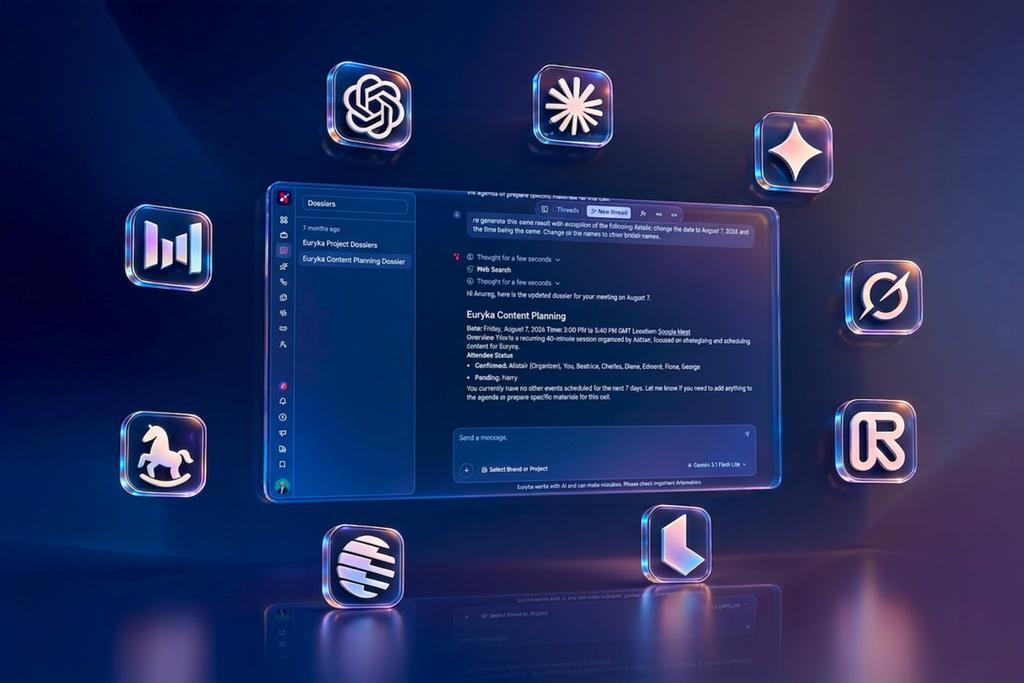
The selector has expanded with new options across chat, image and video.
On the chat side, you now have Claude Sonnet 5, Claude Opus 5, Claude Fable 5, the GPT 5.6 family, GPT 5.4 Mini, Gemini 3.6 Flash, Gemini 3.5 Flash Lite, Grok 4.5, Kimi K3, GLM 5.2, and GLM 5.2 Fast.
For image work, Seedream 5 Pro and Nano Banana 2 Lite are live.
For video, the list now includes Runway Gen-4.5, Runway Aleph 2, Gemini Omni Flash with start-frame, reference-image and video-to-video editing modes, and Luma Ray 3.2 with text-to-video, image-to-video and a full set of aspect ratios. Happy Horse has also been upgraded to v1.1 for higher-quality text, image and reference-to-video generation.
That is a lot of capability. Auto is what makes it manageable.
Smaller Changes That Make a Big Difference
A few interface improvements round out the release.
The model selector now shows cost badges on every model, plus a clear warning before you switch to a premium option. Euryka also shows a lower-cost alternative, so you can make the call before the credits burn.
Older models are now grouped into a Legacy section, which keeps the selector cleaner without hiding anything away.
Pro-only models appear at half opacity with an upgrade prompt. If something you used before is suddenly gated, it is usually because its cost tier has changed, not because it’s a bug.
Why This Release Matters
This release answers a question we have been sitting with for months. What happens when you stop choosing and let the system decide?
Smarter routing and cost controls showed why model loyalty is a losing bet. Before that, Multi-Model Fan-Out let you compare several models from one prompt. And Flows gave teams a visual canvas for designing complete campaigns once and reusing them again and again.
That is the point of Auto. It does not remove control. It removes the need to keep making the same choice when the system can make the better one for you.
The model landscape will keep changing. Your workflow should not have to.