Creative campaigns don't happen in a straight line. They branch. A single concept splits into three social variations. One video spawns an audio clip and a voiceover. A hero image becomes five different compositions for different channels.
Yet most creative tools force you into a pipeline: text first, then image, then video. Sequential. Rigid. One-way. By the time you've finished, context has faded, brand guidelines have drifted, and half your work needs reworking.
We built Euryka Flows to fix that.
Introducing Euryka Flows
Flows is a visual canvas where you design your entire creative workflow — not as a series of steps, but as a network of connected choices.
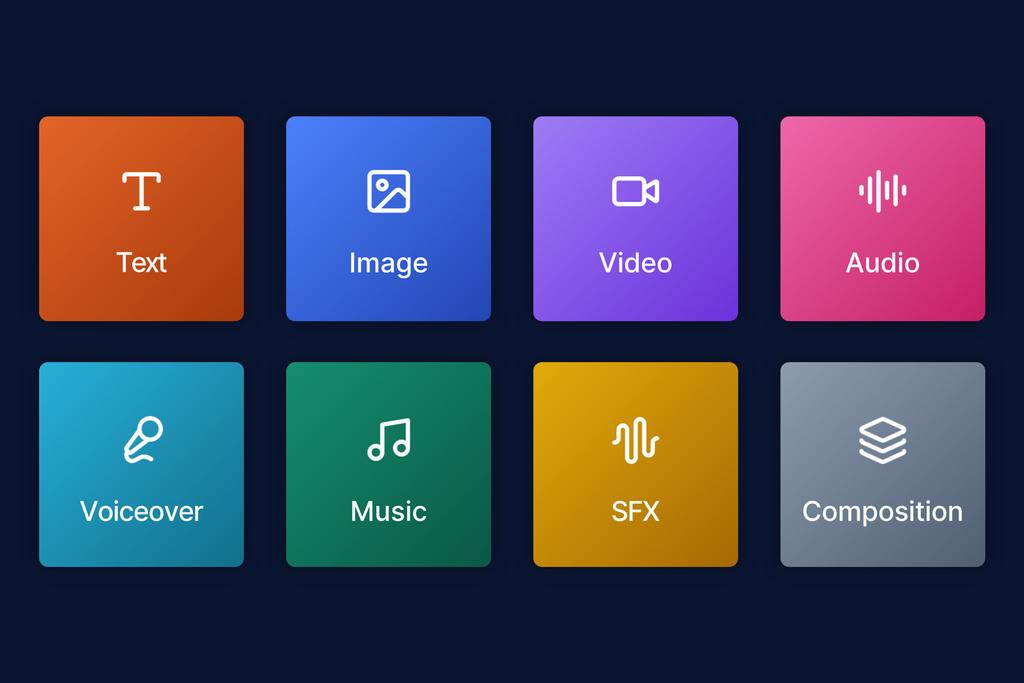
Drop eight different node types onto the canvas: text, image, video, audio, voiceover, music, sound effects and composition. Connect them. Branch them. Merge them back together. Every connection carries your brand context forward, so nothing drifts and nothing needs re-explaining.
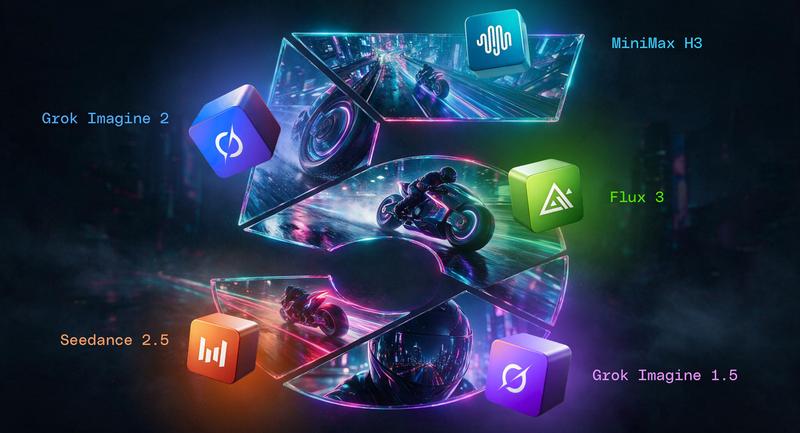
Think of it as a flowchart for creative production. Except instead of boxes and arrows, you're wiring together 30+ AI models, all working in sync, all following your Brand Hub guidelines.
How Flows Actually Works
You start with a canvas.
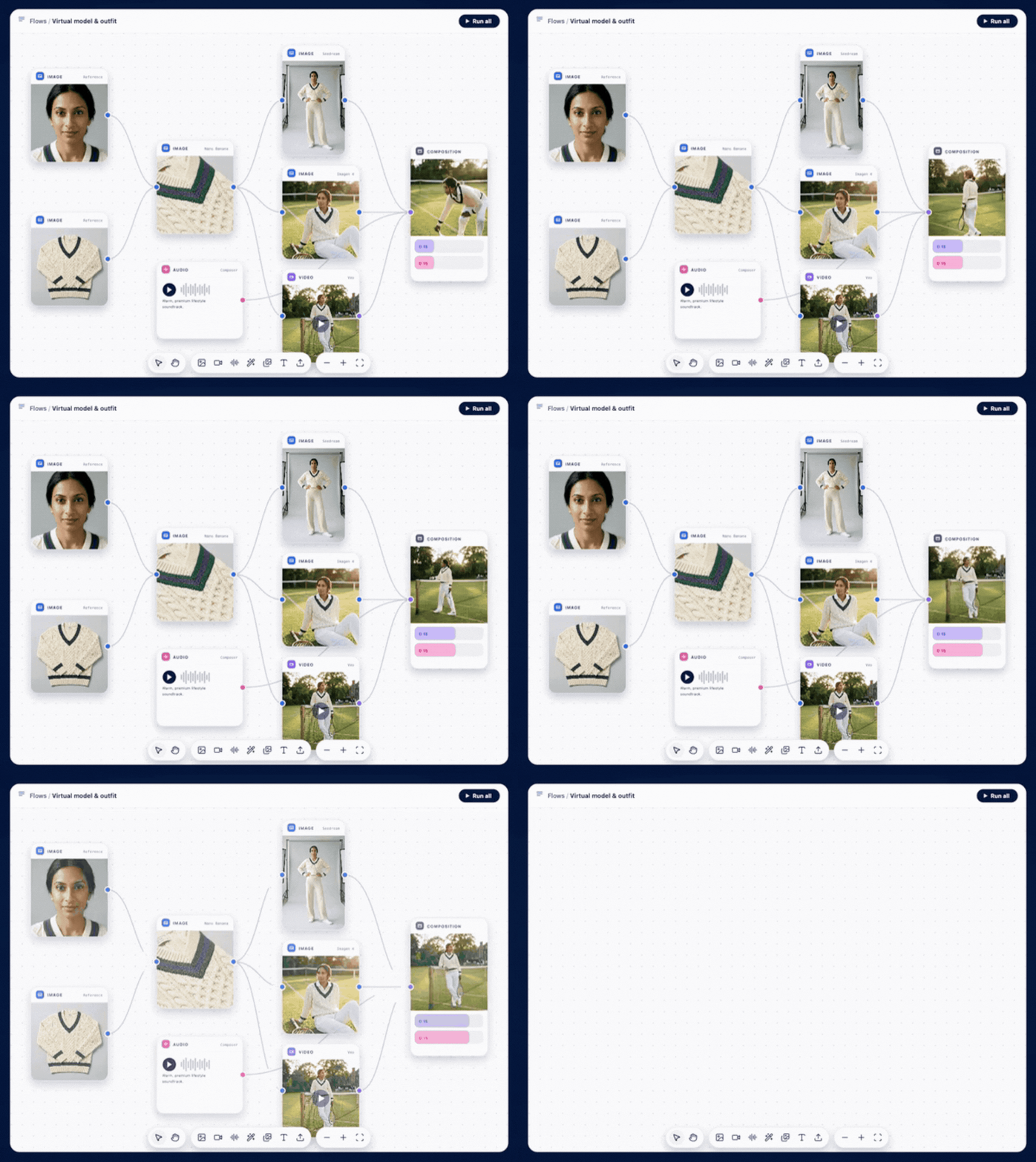
Drag node types onto a blank canvas the same way you'd sketch a workflow on a whiteboard. Text feeds into image. Image branches into video and composition. Audio merges with video on a shared timeline. Every connection is visual, every step is clear.
Every node is a model gateway.
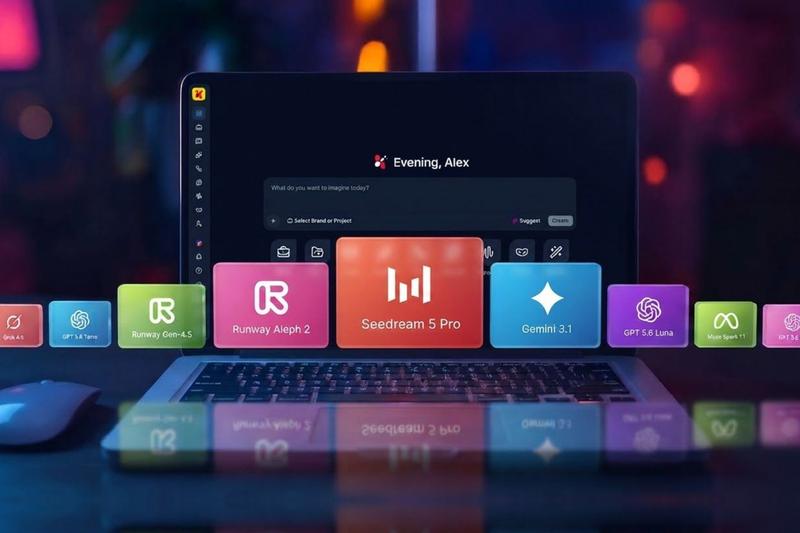
Inside each node lives a dropdown menu of 30+ models. Swap Gemini for Claude mid-workflow. Switch from Flux to Midjourney for your image. Change your voiceover from ElevenLabs to Gemini TTS. One click, no tab-hopping, no copy-pasting between tools.
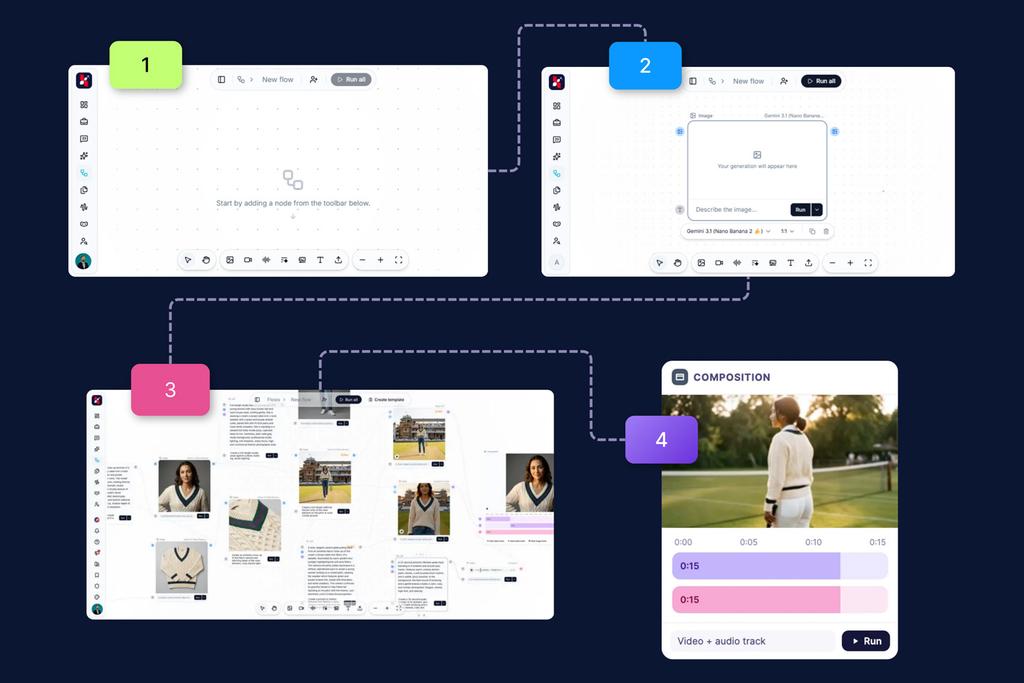
Your brand context flows through every connection.
Because every node inherits your Brand Hub voice, colour palette and guardrails, output stays on-brand from the first draft to the final cut. No manual brand checks. No revision cycles because tone drifted.
Composition brings it together.
The Composition node is where all your paths converge. Layer video, voiceover and music on a single timeline, render the final cut, and export without touching a separate editor. Your whole campaign, finished, inside one canvas.
The Real Power: Templates
Build a Flow once. Save it as a template. Next week, your team runs the exact same workflow with new inputs — new copy, new images, new voiceovers. The workflow stays the same. The output is fresh.
This is how creative teams should scale. Not by hiring more people. But by building once and running forever.
Shared Flows: Collaboration Without Collision
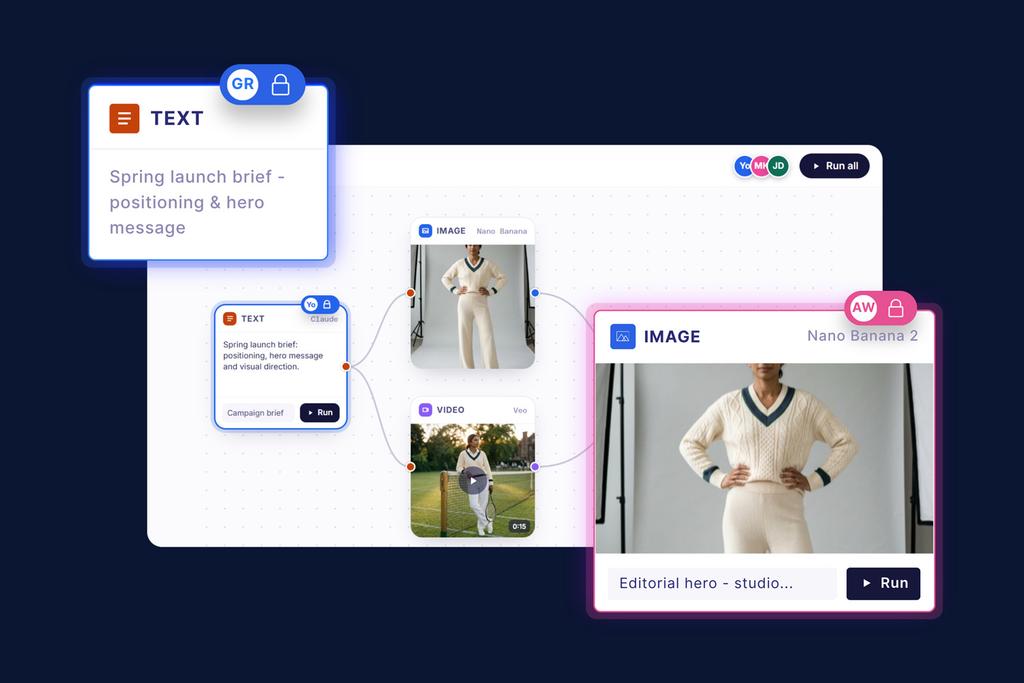
Share any Flow with your team. Editing is turn-based so no one accidentally overwrites someone else's work. Real-time visibility means everyone knows where the workflow stands.
Your whole campaign, on one canvas. Your whole team, on the same page.
What You Can Build
A social media campaign that branches into Instagram, TikTok and LinkedIn variants — each with different copy, images and captions, all flowing from one source brief.
A video campaign that starts with a script, generates B-roll, layers in voiceover and music, and renders the final cut without leaving the canvas.
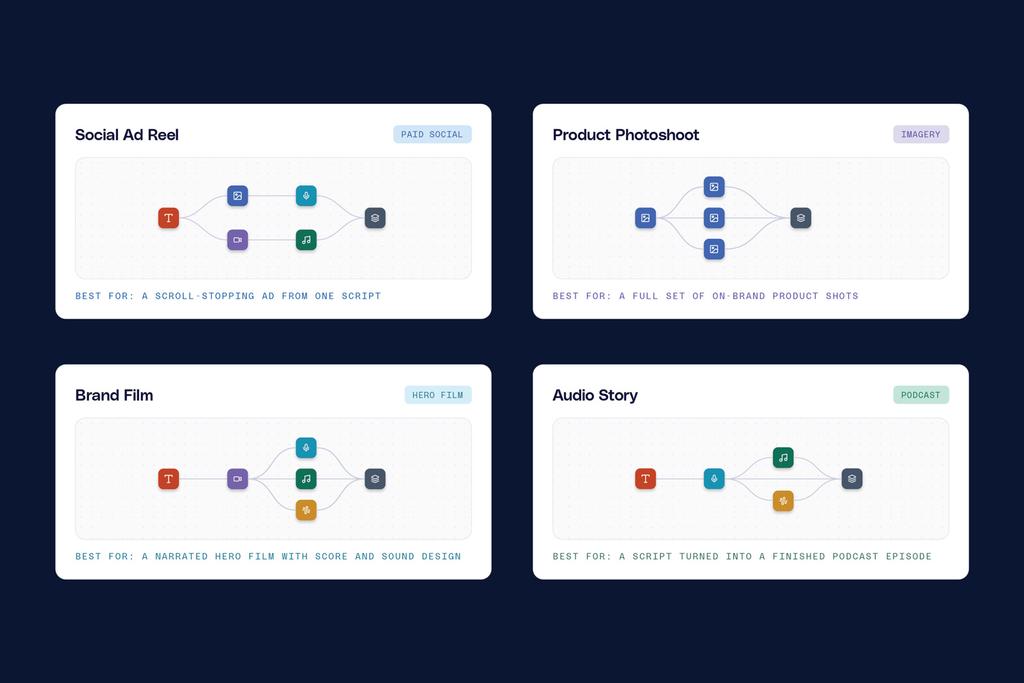
A product launch that creates hero copy, generates hero image, remixes it for three different ad sizes, and produces voiceovers in three languages — all from one template.
The possibilities scale with your imagination, not your tooling.
Why We Built Flows
Creative production is a workflow. Not a prompt. Not a single tool. A workflow.
We've spent two years watching teams build campaigns inside Euryka Threads, moving between models, losing context, rebuilding the same processes every week. The pattern was clear: you needed a way to design and save those workflows visually so they could be reused, shared and scaled without rebuilding from memory every time.
Flows is that canvas.
Open Beta, Today
Flows is live in beta across your workspace right now. No waitlist. No credit card. Just open the canvas and build your first Flow.
What will you create?
Building Block by Block
Euryka has been evolving to address real friction in how creative teams work. We recently unified your creative stack with expanded access to the next generation of AI models across text, image, video, and audio. Our latest offering is Two Paths Forward to let teams choose between governed autonomy or a full studio approach, and added live connectors from HubSpot, Figma, and Intercom directly into Threads so context never gets lost.
Flows is the latest step. It gives you a visual canvas to design, save, and reuse entire workflows. No rebuilding. No context loss. Just repeatability at scale.
Explore our blog to see how we are continuously shaping Euryka into the platform your team needs.