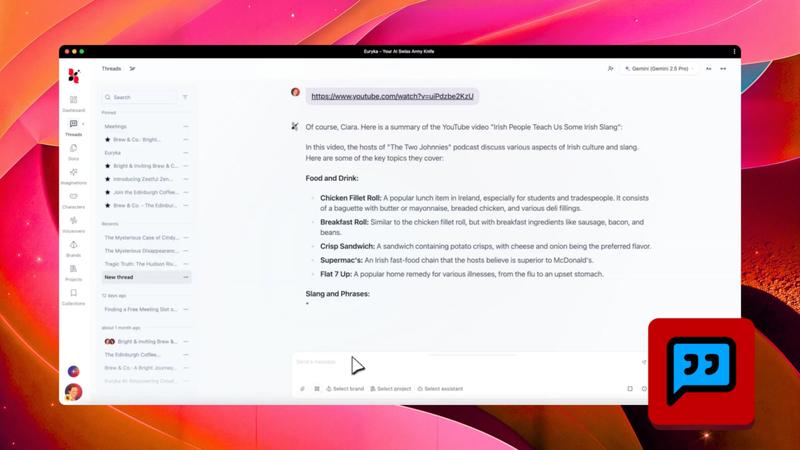
Go beyond standard searches and get comprehensive, cited reports on any topic directly within your workflow. Euryka's Deep Research feature is your dedicated AI Research Assistant, compiling detailed information from numerous sources to provide you with expert-level insights in moments.
Step-by-Step Guide
- Start in Threads: Open any new or existing thread.
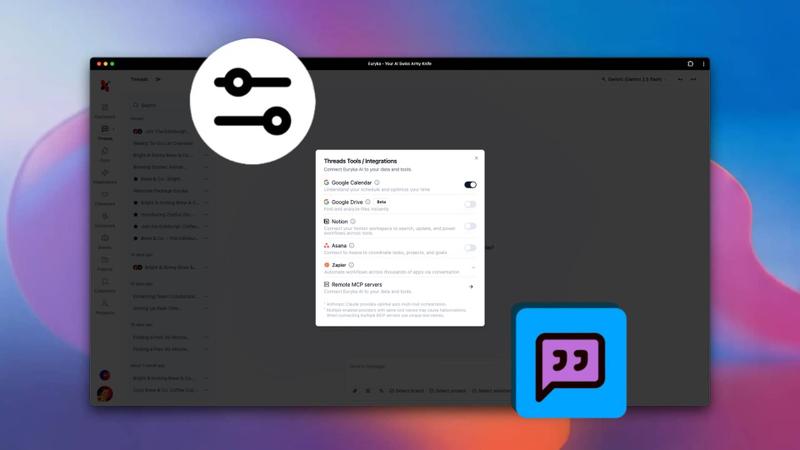
- Select Deep Research: Click the
Deep Researchicon to activate the feature. - Ask Your Question: In your prompt, clearly state the topic you need a report on.
- Receive Your Report: The AI will work in the background and deliver a comprehensive report directly into your conversation, complete with key findings and cited sources.
Let your AI Research Assistant transform simple questions into detailed, actionable intelligence. Start your deep research today and make more informed decisions, faster.