The pace of AI development is relentless. For marketing teams, this creates a familiar tension: you want the power of the latest models, but you also need the control to keep your brand consistent and your data secure.
Today, we are introducing a fundamental shift in how Euryka helps you scale. We have redesigned our system and website around two distinct pathways, each built to solve a different set of growth challenges.

Pathway 01: The Euryka AI Platform
This is for teams ready to run their own AI workflows. We provide a ring-fenced workspace with permanent brand context, ensuring your team creates exceptional, consistent content at scale.
Persistent Brand Memory: Unlike standard tools, Euryka preserves your brand context across every model and session.
30+ Orchestrated Models: Access Claude, GPT, Gemini, Flux, and Runway in one governed environment.
Team Workspace: Manage regional permissions, prevent brand drift, and protect your proprietary data.

Pathway 02: Euryka AI Studio
Our creative studio plugs directly into your team, combining our platform’s power with dedicated strategists and builders to deliver rapid, measurable ROI.
Platform + People: Gain an embedded expert team spanning strategy, copywriting, design, and motion.
AI-Powered Acceleration: We cut production times with high-performing first drafts, leaving our experts to add the finishing polish.
AI Readiness Audits: We map your existing stack, connect your workflows, and build tailored brand templates.
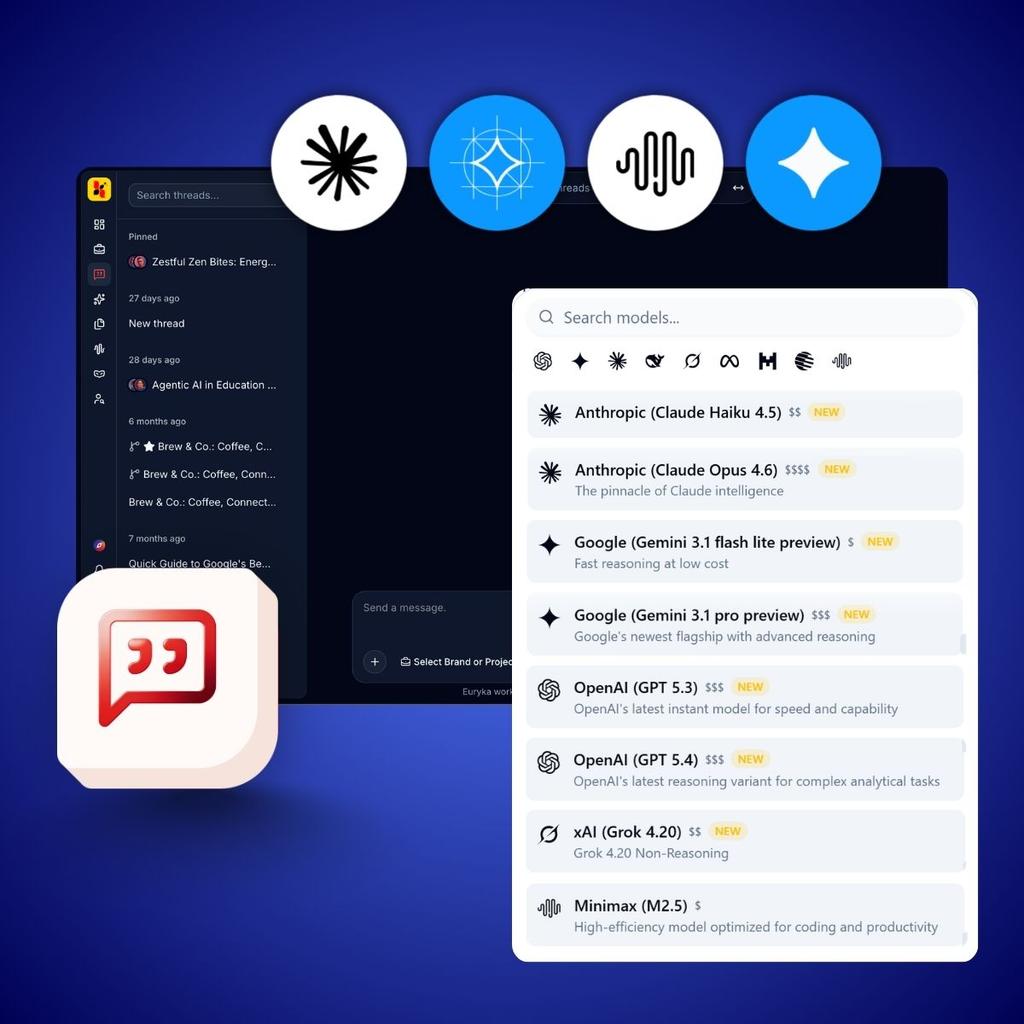
What new AI models has Euryka added to its platform?
We have expanded our lineup again, allowing you to match the right model to the task without leaving your workflow. Every model automatically inherits your brand context.
Gemini 3.5 Flash: Google’s fastest model, built for rapid drafting.
Gemini 3.5 Flash Extended Reasoning: The same speed with deeper, step-by-step thinking.
Claude Opus 4.8: Anthropic’s most capable model for nuanced, long-form reasoning.
Gemma 4 31B: A fast, efficient model for quick iterations.
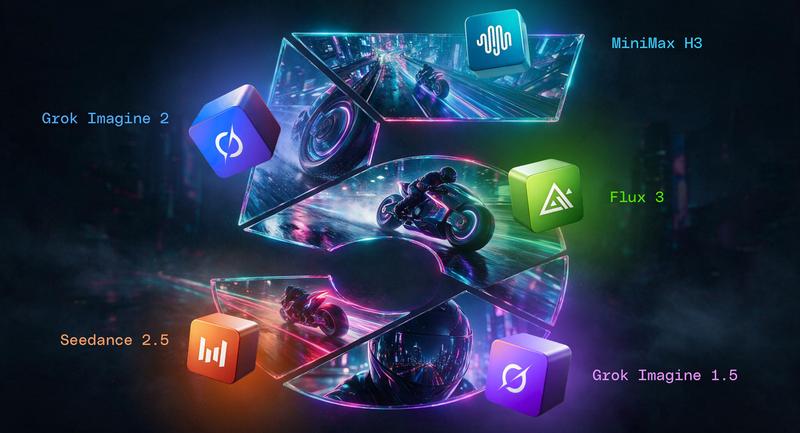
Minimax M3: A powerful addition for multi-model workflows.

Video, Connectors, and Quality-of-Life Upgrades
We have also shipped a wave of upgrades to make your workspace more capable:
Fabric Video Generation: Create stylistic, cinematic motion clips. Use Video Remixing to adapt existing assets whilst keeping motion consistent.
In-Thread Video Analysis: Drop video files into Threads. Euryka analyses the visuals and audio, transcribing dialogue and drafting campaign notes automatically.
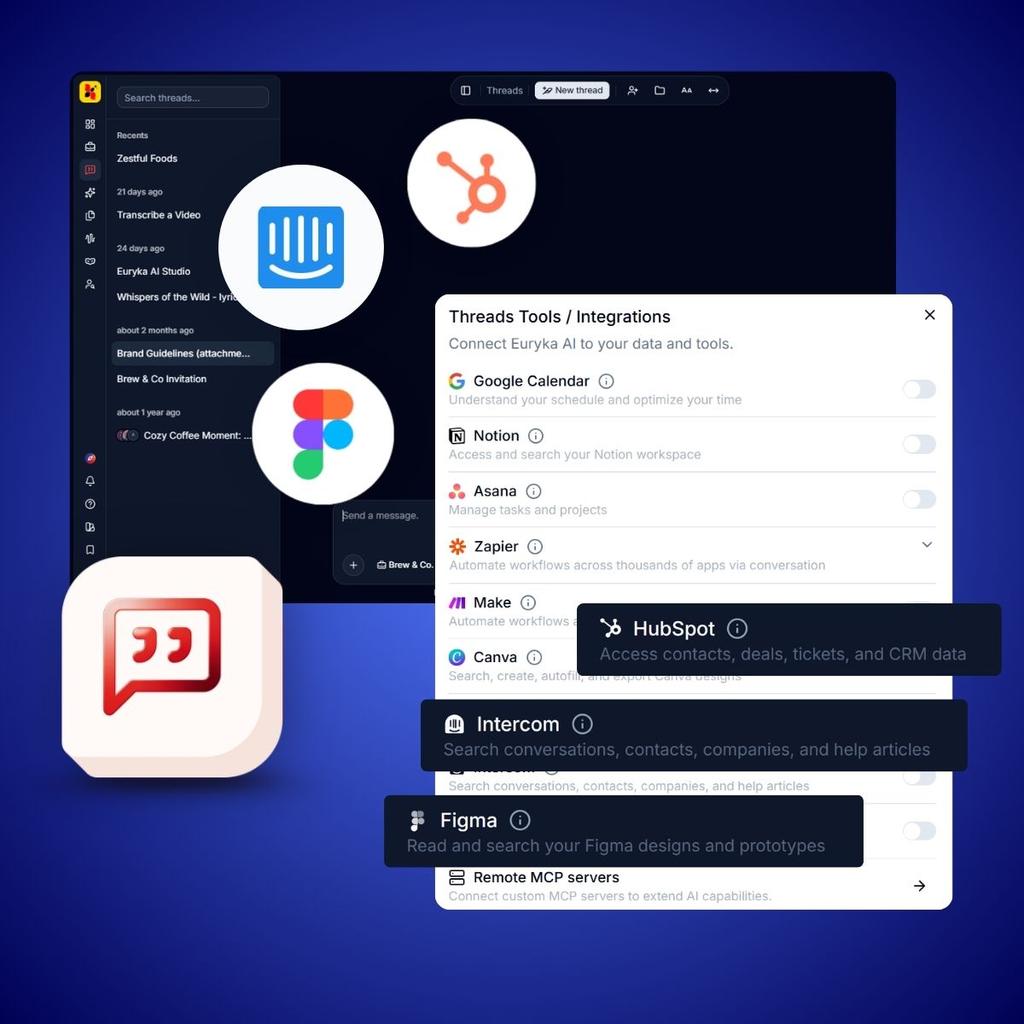
HubSpot, Figma, and Intercom Connectors: Bring live context from your favourite tools straight into Threads. No more copy-pasting.
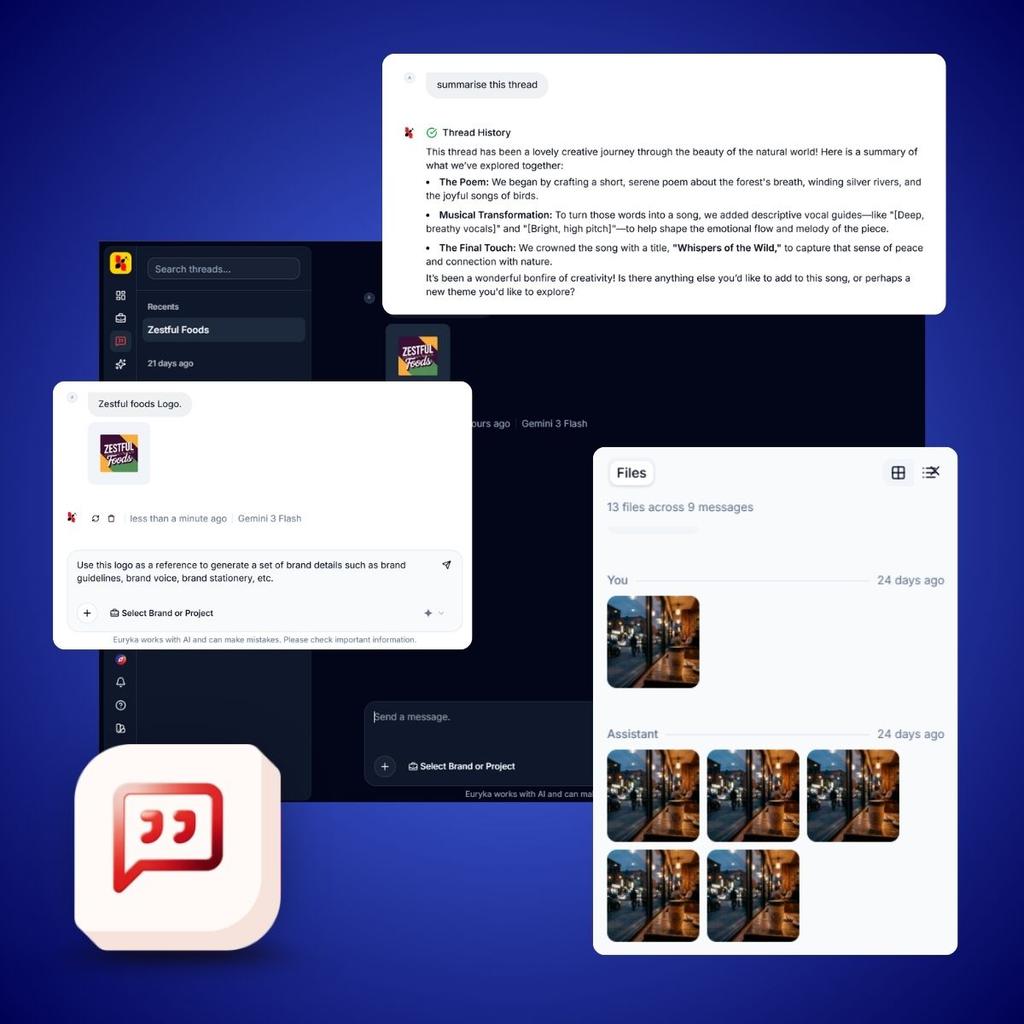
We have also added Gemini TTS voiceovers across Characters and Imaginations, improved our Thread document generation, and introduced Thread summarisation and an organised "Files Pane" for easy asset management.
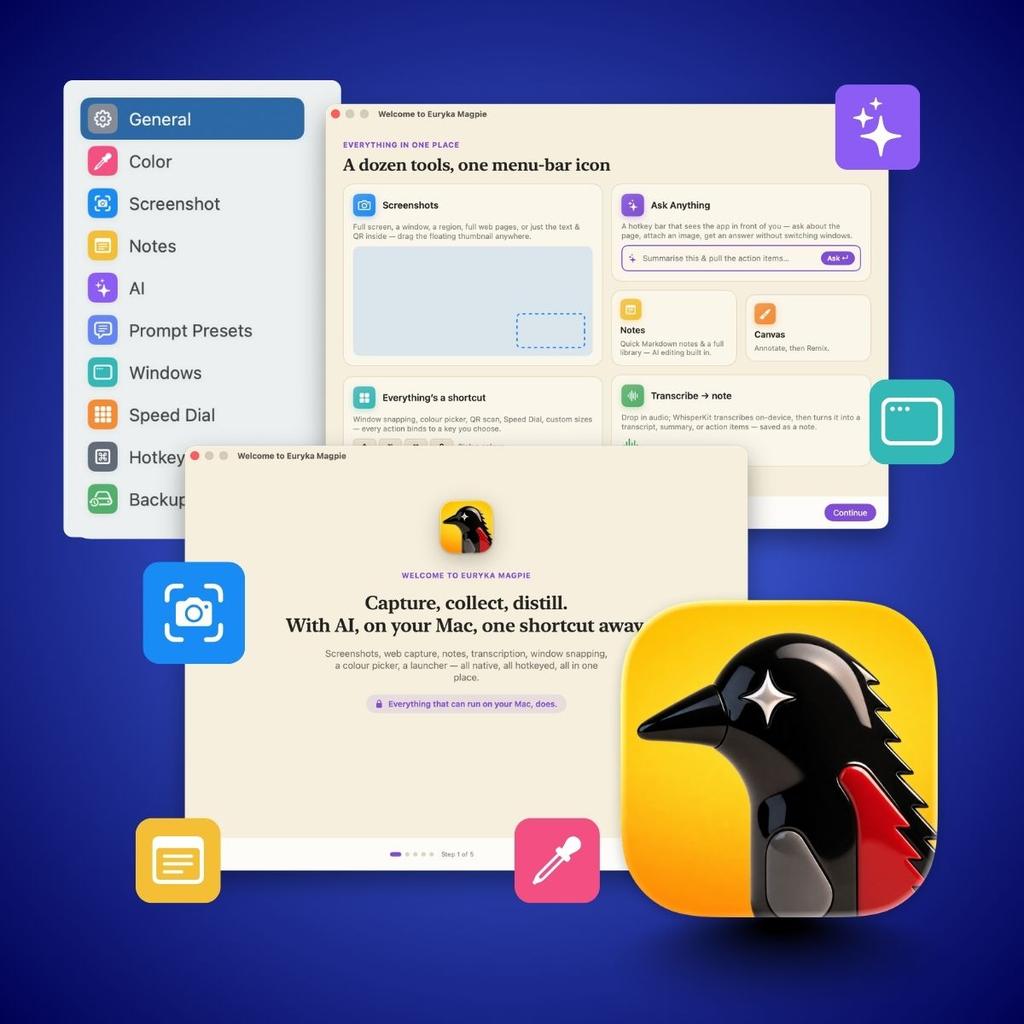
Introducing Euryka Magpie: The macOS Menu-Bar App
We have been building something different, and we want you to try it first. Euryka Magpie is a native macOS app that replaces a stack of utilities with one icon.
It handles screenshots, AI-edited notes, audio transcription, window snapping, and colour picking. Best of all, the notes editor runs Gemma 4 locally on your Mac—so your text never leaves your machine unless you choose the cloud. It’s in beta, and we want your honest feedback on the Mac experience.
The Story So Far
We are building a more capable, clearer platform that improves the more your team uses it. To understand how we arrived here, explore the context from our earlier milestones:
Our previous major release introduced expanded model access and generation capabilities. Before that, we sharpened our core experience, focusing on reducing distractions to create a cleaner path from brief to output. Finally, our initial AI Studio launch is worth reading if you are still deciding which pathway fits your team.