A good creative brief can tell you what an asset should feel like. It cannot always tell a model exactly how the shot should move, which references matter most, or how the final sequence should develop.
That is where control becomes important.
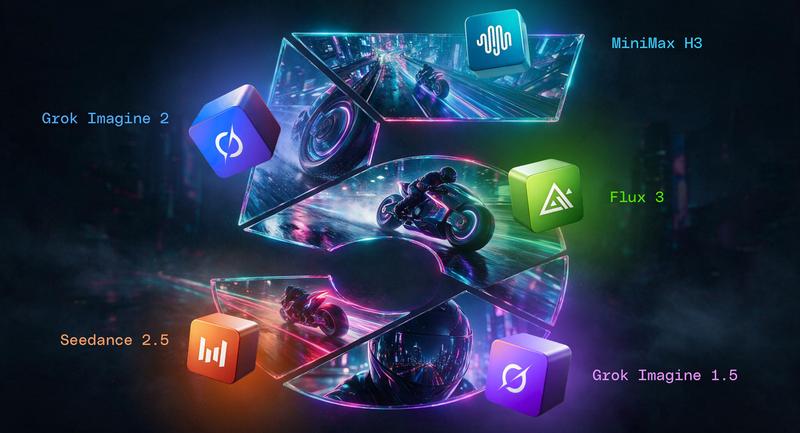
This month’s Imaginations update adds five new ways to create across image and video. You can generate longer clips, work from multiple references, guide a sequence with keyframes, and create visuals that respond more closely to your direction.
The new models include:
Seedance 2.5
MiniMax H3
Flux 3
Grok Imagine 2
Grok Imagine Video 1.5
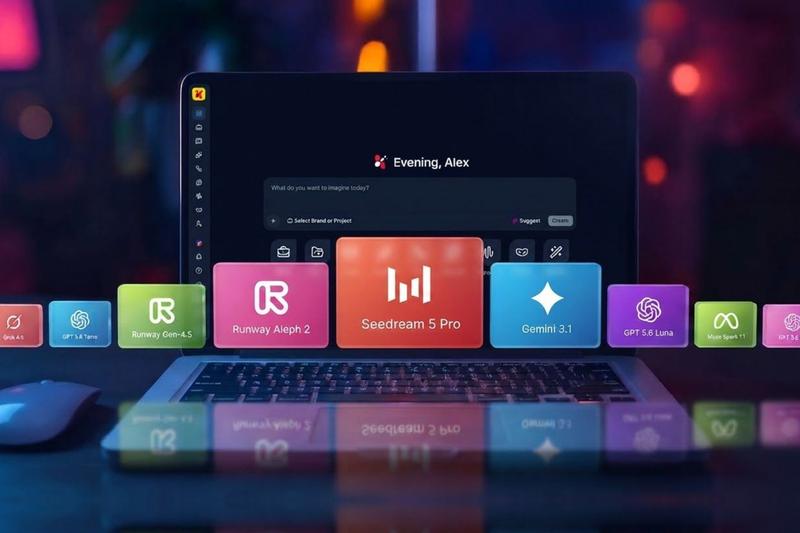
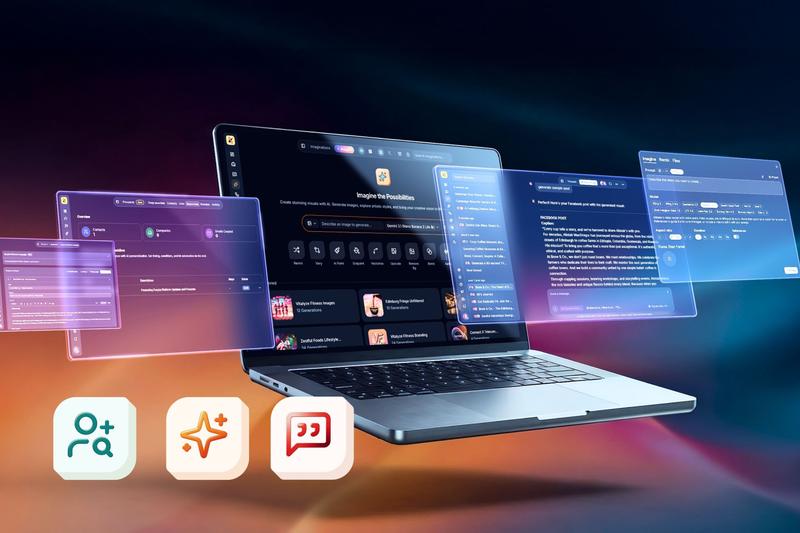
Every model runs inside your branded workspace, with your Brand Hub context applied automatically.
What Can You Create With Seedance 2.5 Video Generation?
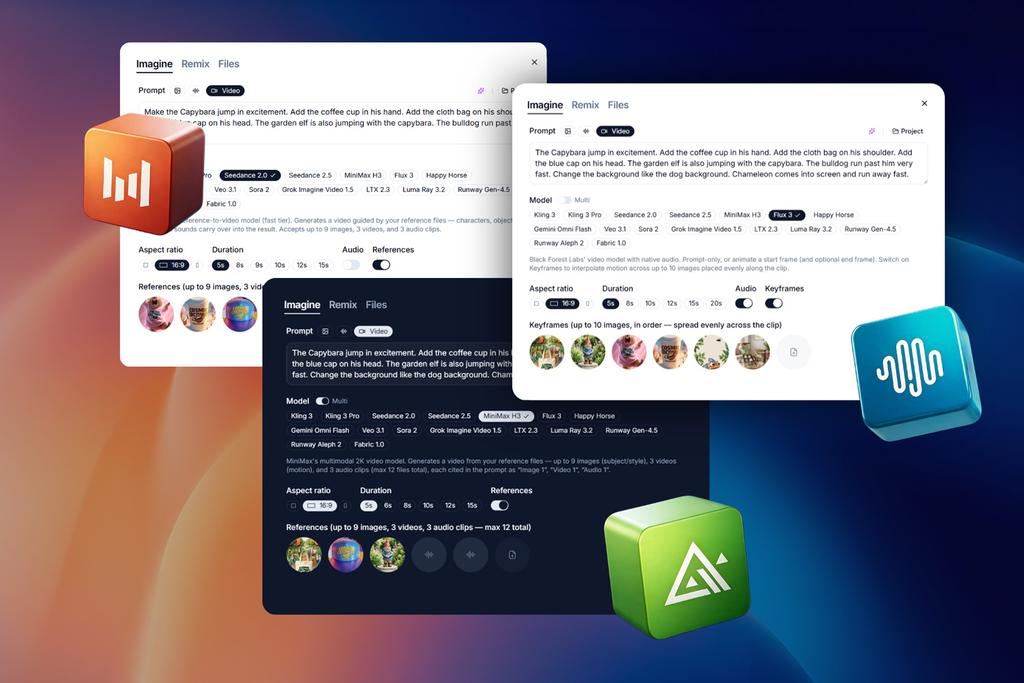
Seedance 2.5 gives you more ways to move from an idea to a finished clip. It supports text-to-video, image-to-video and reference-to-video generation, so you can begin with a prompt, a visual or a wider creative direction.
Clips can run for up to 30 seconds, giving you more room for:
Product demonstrations
Short campaign narratives
Social ads
Character-led sequences
Visual transitions between scenes
It is useful when a brief needs more than a quick visual moment and the movement itself is part of the story.
What Reference Types Does MiniMax H3 Support For Video Generation?
Some creative directions are difficult to describe in one image or sentence. MiniMax H3 lets you bring more source material into the generation process.
You can work with up to:
Nine image references
Three video references
Three audio references
The references are cited in the prompt, helping you keep track of the material guiding the output. This makes the model useful for more layered concepts, where the final video needs to draw from several visual, motion and sound cues.
For example, an agency could combine product photography, a moodboard, a short movement reference and an audio direction to create a more complete campaign concept.
How Does Flux 3 Keyframes Mode Give You Control Over Video Movement?
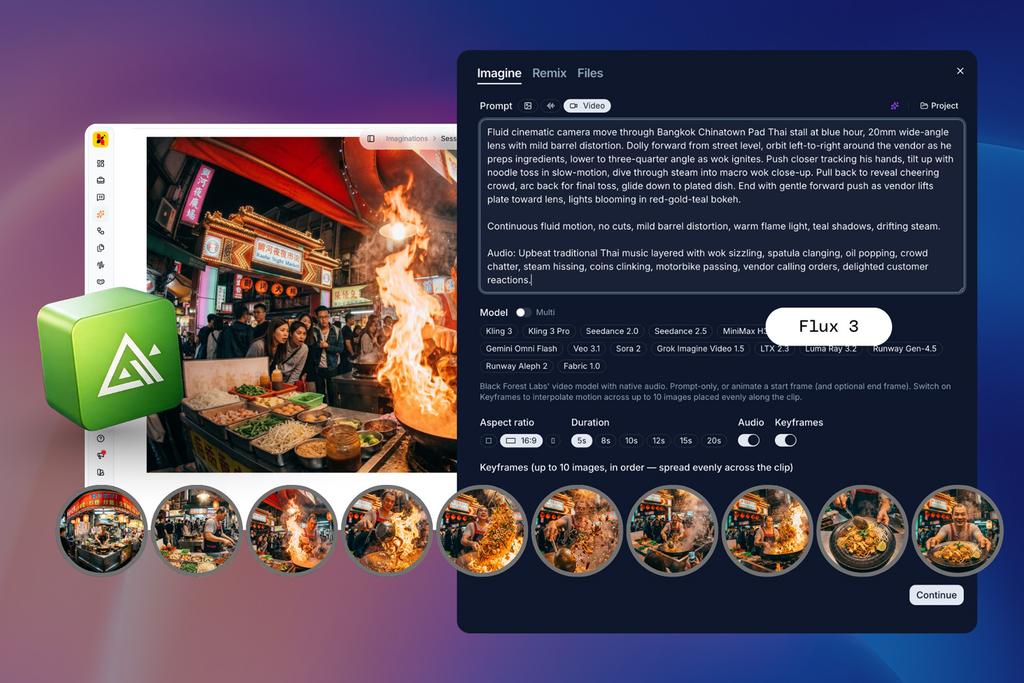
Flux 3 adds video generation with native audio, along with a new Keyframes mode.
Keyframes give you more control over the journey between images. Add up to ten images along a clip and Flux 3 creates the movement between them. Instead of describing the entire sequence in one prompt, you can place the important moments yourself.
This is useful when the shot needs to follow a specific path.
You might use keyframes to:
Move from a product close-up to a wider scene
Guide a character through several positions
Shift between different campaign compositions
Create a controlled reveal
Build a visual transition across a set of references
The result is a more directed sequence. You are not simply asking for movement. You are showing the model where the movement should go.
What Does The Grok Imagine 2 Upgrade Add To Image Creation?
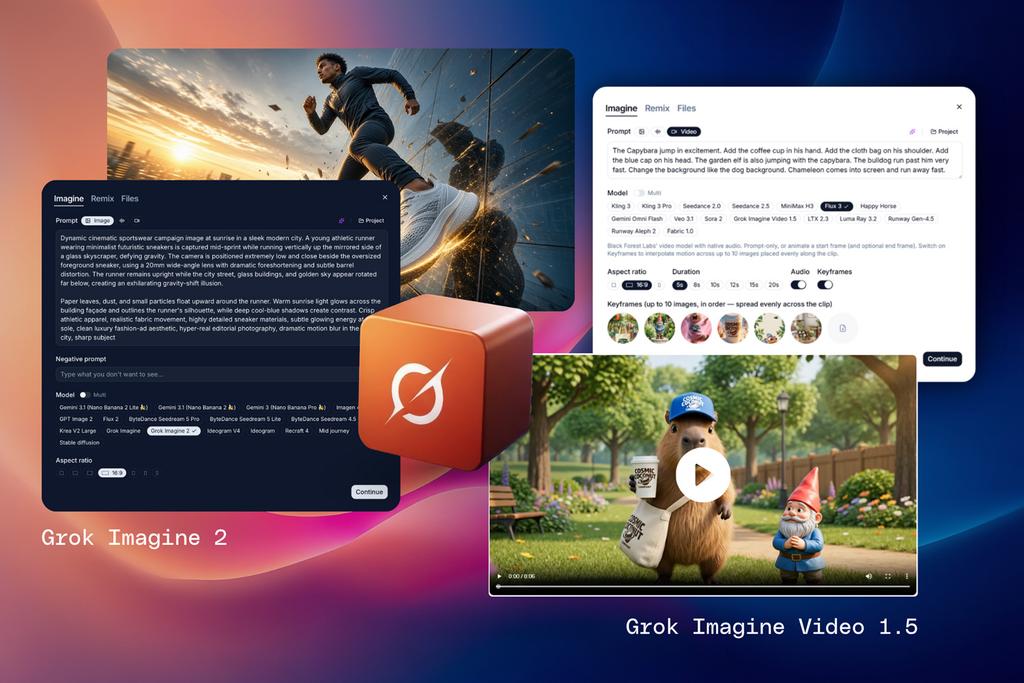
Grok Imagine 2 brings xAI’s latest image model into Imaginations for text-to-image generation and editing.
Use it to explore new visual directions from a prompt, or refine an existing image without starting over. This gives you another option for concept development, campaign visuals and image variations inside the same workspace.
The new model is available alongside the rest of your Imaginations lineup, so you can compare approaches without moving between platforms.
How Does Grok Imagine Video 1.5 Use Reference Images To Guide Video Generation?
Grok Imagine Video 1.5 adds reference-to-video generation alongside its existing start-frame animation.
You can guide a clip with up to seven reference images, giving the model more information about the visual direction you want to maintain. This can help when one starting frame is not enough to communicate the character, setting, styling or composition.
It is particularly useful for:
Maintaining a visual identity across a sequence
Developing a character-led concept
Exploring several campaign scenes
Extending a still image into a more considered visual story
Five Models, Different Creative Roles
The value of this update is not simply the number of new models. It is the range of creative control they introduce.
Seedance 2.5 gives you longer clips and several ways to begin. MiniMax H3 works with a larger set of mixed references. Flux 3 lets you direct motion through keyframes. Grok Imagine 2 expands image creation and editing. Grok Imagine Video 1.5 helps translate multiple visual references into motion.
Together, they give you more ways to move from a rough idea to a more resolved visual direction.
Does Your Brand Context Automatically Apply Across All AI Models?
More generation options should not mean more time spent re-explaining the brand.
Each model runs inside your branded workspace, with your Brand Hub context applied automatically. Your visual guidelines, voice and constraints remain part of the creative environment as you explore different models and formats.
That means you can test a new model without treating it like a completely separate workflow.
How Can You Get More Control Over Image And Video Generation?
If you have been waiting for more control over image and video generation, this update gives you several places to start.
Use Seedance 2.5 for a longer social sequence. Try MiniMax H3 with a full reference set. Place keyframes in Flux 3 to direct a shot frame by frame. Explore Grok Imagine 2 for image creation and editing, or guide a video with Grok Imagine Video 1.5.
The right model depends on the job. The useful part is having more ways to find it without leaving your workspace.
From Better Tools to Better Work
This upgrade is part of a wider effort to make Euryka more capable, flexible and useful across the creative process. Recent updates have made research more transparent with Deep Research, reduced the need to choose models manually with Auto, and made it easier to work across a changing model landscape with model-agnostic routing.
The goal remains simple: give teams more capability without adding more friction